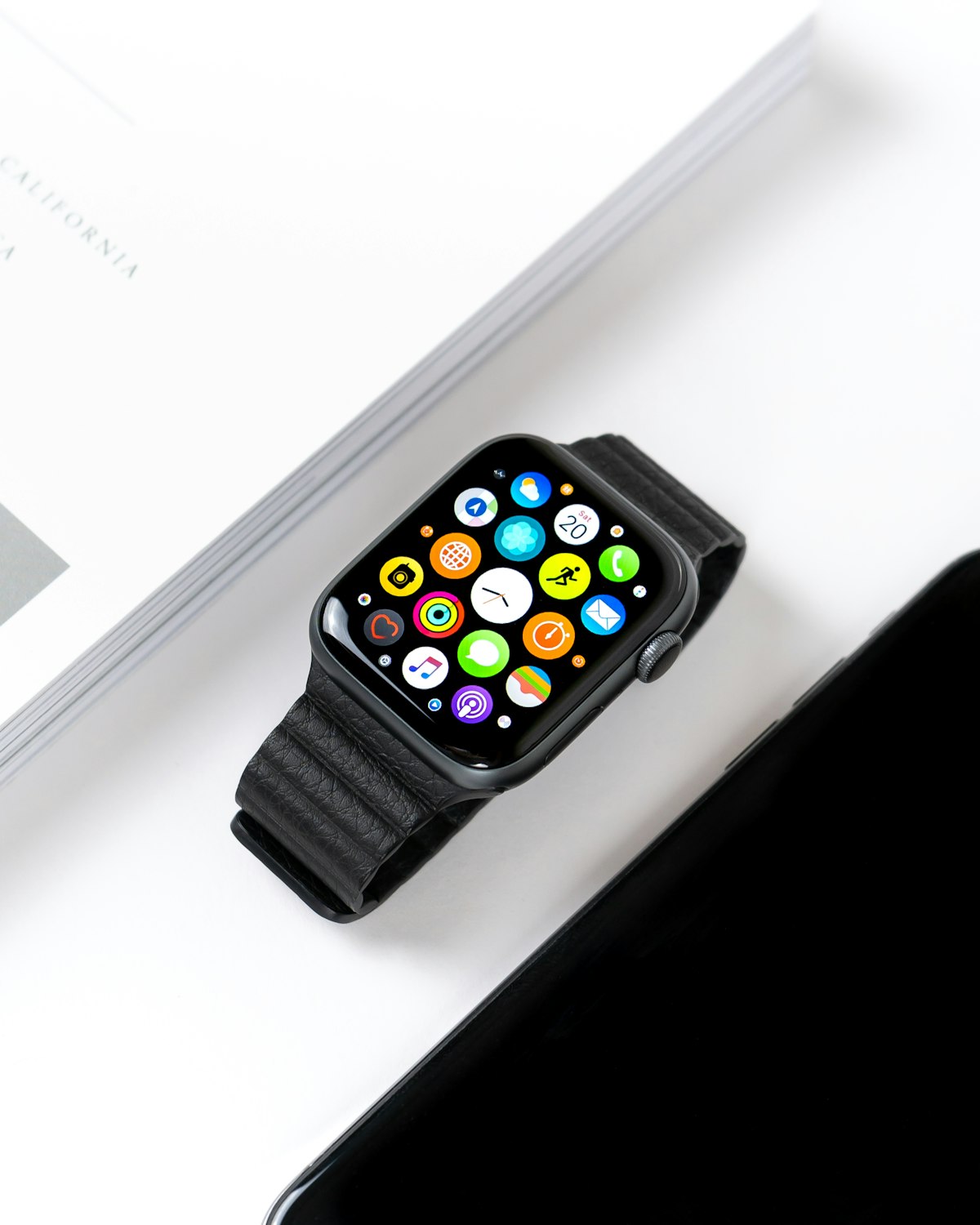

If your Apple Watch recently told you it detected signs of sleep apnea, you are probably feeling a mix of concern and confusion. You are not alone. Since Apple rolled out its sleep apnea detection feature in September 2024, millions of people have woken up to a notification they never expected from a device they bought to count steps. The Apple Watch sleep apnea notification is generating real conversations between patients and doctors — but it is also generating a lot of unnecessary panic. Here is what that alert actually means, how accurate it is, and what you should do right now.
How Apple Watch Sleep Apnea Detection Works
The Apple Watch does not listen to your breathing or record your snoring. Instead, it uses the built-in accelerometer — the same sensor that tracks your wrist movements during the day — to measure subtle changes in your breathing patterns while you sleep. Apple calls these breathing disturbances, and the watch tracks them over a period of 30 days before generating any notification.
During sleep, the accelerometer picks up tiny wrist movements caused by the expansion and contraction of your chest as you breathe. When you experience an apnea event — a temporary pause or significant reduction in airflow — the normal rhythmic pattern of those movements changes. The watch's algorithm analyzes these disruptions and classifies your breathing disturbance levels as either elevated or not elevated.
The feature is available on Apple Watch Series 9, Series 10, and Ultra 2. It requires watchOS 11 or later, and you need to wear the watch to bed consistently for at least 30 days before the system has enough data to generate an assessment. The watch does not provide real-time alerts. It aggregates data over that monthly window and then notifies you if it detects a pattern of elevated breathing disturbances that may indicate sleep apnea.
It is worth understanding what this feature does not do. The Apple Watch cannot detect snoring directly. It does not measure blood oxygen saturation for the purpose of sleep apnea screening (though it has a separate SpO2 sensor). And it cannot distinguish between obstructive sleep apnea, central sleep apnea, or other conditions that might cause irregular breathing during sleep.
What the Apple Watch Sleep Apnea Notification Actually Tells You
When you receive the notification, it will say something along the lines of: elevated signs of sleep apnea have been detected. This sounds alarming, but it is important to understand what the notification is and what it is not.
What it is: a screening signal. The watch has detected that your breathing patterns over the past month show more disturbances than what is considered normal. Think of it as a yellow flag, not a diagnosis. It is the wrist-based equivalent of your partner saying you have been snoring more heavily lately — a reason to pay attention, not a reason to assume the worst.
What it is not: a medical diagnosis. The FDA cleared the Apple Watch sleep apnea feature as a wellness tool, not a diagnostic medical device. The distinction matters. A clinical diagnosis of obstructive sleep apnea requires a formal sleep study — either an in-lab polysomnography or a home sleep apnea test — that measures your apnea-hypopnea index (AHI), blood oxygen levels, brain waves, and other physiological signals. A smartwatch on your wrist cannot replicate that level of assessment.
How Accurate Is the Apple Watch at Detecting Sleep Apnea?
This is the question everyone asks, and the answer requires some nuance. According to data from Apple's clinical validation studies, the feature has a sensitivity of approximately 66.3% for detecting moderate-to-severe obstructive sleep apnea. In practical terms, that means the watch correctly identifies about two out of every three people who actually have moderate-to-severe sleep apnea.
That also means roughly one in three people with true sleep apnea will not receive a notification. They will get a false sense of security from a watch that tells them everything is fine when it is not. This is what clinicians call a false negative, and it is the more dangerous kind of error in health screening.
On the other side, the specificity is higher, meaning the watch is reasonably good at not alerting people who do not have sleep apnea. But no consumer wearable achieves the accuracy of clinical sleep monitoring equipment. The American Academy of Sleep Medicine has noted that while smartwatch-based screening tools represent a step forward in awareness, they should not replace formal diagnostic evaluation.
The bottom line on accuracy: if the watch says you might have a problem, take it seriously and follow up. But if the watch does not flag anything, do not assume you are in the clear — especially if you have warning signs of sleep apnea like loud snoring, witnessed breathing pauses, morning headaches, or excessive daytime sleepiness.
Apple Watch vs. Samsung Galaxy Watch: Sleep Apnea Features Compared
Apple is not the only company in this space. Samsung received FDA authorization for sleep apnea detection on the Galaxy Watch before Apple did, making it the first smartwatch with this capability. The Samsung approach also uses motion-based sensing, though its implementation differs slightly in how data is collected and processed.
Both watches share the same fundamental limitation: they are screening tools that use motion data as a proxy for breathing disturbances, not direct measurements of airflow or oxygen levels. Neither can replace a sleep study. Neither can detect snoring per se. And both require multiple nights of data before generating an assessment.
If you own either watch and have received a sleep apnea notification, the appropriate next steps are the same regardless of the brand on your wrist.
What to Do After Getting an Apple Watch Sleep Apnea Notification
If you have received this notification, here is a clear, step-by-step approach that balances appropriate caution with practical action.
Step 1: Do Not Panic
A notification from your watch is not a death sentence. Obstructive sleep apnea is extremely common — it affects an estimated 30 million Americans, and the majority of cases are mild to moderate. Even if the watch's assessment is correct, sleep apnea is a highly treatable condition. Take the notification as useful information, not a crisis.
Step 2: Schedule a Doctor Appointment
Contact your primary care physician or, ideally, a sleep medicine specialist. Tell them your smartwatch flagged elevated breathing disturbances during sleep and you want to be evaluated. Most doctors are now familiar with these alerts and will take them seriously as a reason to order further testing. Expect your doctor to recommend either an in-lab sleep study or a home sleep apnea test to determine whether you have sleep apnea and, if so, how severe it is.
Step 3: Keep Tracking
Continue wearing your watch to bed and monitoring the breathing disturbance data in the Health app. This longitudinal data can be useful for your doctor. It shows patterns over time — whether the disturbances are consistent, worsening, or fluctuating with changes in your sleep position, alcohol consumption, or other variables.
Step 4: Take Action Tonight
Here is the part most articles miss. Getting a doctor appointment can take weeks. A sleep study can take even longer to schedule and complete. In the meantime, you are still sleeping every night with a potentially compromised airway. You do not have to wait passively.
An anti-snoring mouthpiece is something you can use tonight. A mandibular advancement device gently moves your lower jaw forward, opening the airway and reducing the obstruction that causes both snoring and many cases of mild-to-moderate sleep apnea. It is the same principle behind the custom oral appliances that sleep doctors prescribe — just without the multi-month wait and the $2,000 price tag.
This is not about replacing medical evaluation. It is about doing something productive for your airway right now while the clinical process unfolds. Many people who receive an Apple Watch sleep apnea notification are also chronic snorers — and snoring is something you can address immediately.
Understanding the Difference Between Snoring and Sleep Apnea
The Apple Watch notification has brought new attention to a distinction that many people do not fully understand: the difference between snoring and sleep apnea. They are related but not the same thing.
Snoring is the sound produced when air flows through a narrowed airway, causing the surrounding tissues to vibrate. It can occur without any significant breathing interruptions and without meaningful drops in blood oxygen levels. Millions of people snore every night without having sleep apnea.
Sleep apnea, specifically obstructive sleep apnea, involves repeated episodes where the airway fully or partially collapses during sleep, causing breathing to stop or become critically shallow for 10 seconds or more. These episodes are followed by brief arousals — often so short that you do not remember them — as the brain jolts the body awake to resume breathing. It is these repeated interruptions that cause the daytime fatigue, cognitive impairment, and long-term cardiovascular damage associated with OSA.
Most people with sleep apnea snore, but not everyone who snores has sleep apnea. The Apple Watch is attempting to detect the breathing disturbances associated with apnea, not the snoring itself. This is an important distinction because it means the watch could flag someone who has silent apnea events without audible snoring, while missing someone who snores thunderously but does not actually stop breathing.
When to Treat Urgently vs. When to Monitor
Not every Apple Watch notification requires the same level of urgency. There are situations that warrant faster action and situations where monitoring is a reasonable first step.
Seek evaluation promptly if: You experience excessive daytime sleepiness that affects your ability to drive or work safely. Your partner has witnessed you stop breathing during sleep. You wake up gasping or choking. You have high blood pressure, heart disease, or a history of stroke. You are a commercial driver, pilot, or work in a safety-sensitive occupation where undiagnosed sleep apnea poses a risk to others.
Monitoring is reasonable if: You feel generally well-rested during the day. Your snoring is mild and intermittent. You have no other symptoms of sleep apnea. You have already made an appointment with your doctor and are waiting for evaluation. In this case, continue wearing the watch, track your data, and use a mouthpiece to address any snoring while you wait for your clinical evaluation.
What Apple Watch Sleep Apnea Detection Cannot Do
It is important to be clear-eyed about the limitations of any consumer wearable for sleep health monitoring. The Apple Watch cannot:
Diagnose sleep apnea. Only a qualified physician interpreting a formal sleep study can make this diagnosis. The watch provides a screening signal, not a clinical conclusion.
Replace a sleep study. A polysomnography or home sleep test measures dozens of physiological parameters simultaneously — brain activity, eye movement, muscle tone, airflow, respiratory effort, blood oxygen, heart rate, and body position. A wrist-worn accelerometer captures a tiny fraction of this data.
Detect snoring. Despite what many people assume, the Apple Watch snoring detection capability does not exist as a standalone feature in the same way. The breathing disturbance measurement is not a snoring measurement. You may snore heavily and never receive a notification, or you may receive a notification without being a significant snorer.
Determine severity. The watch classifies breathing disturbances as elevated or not elevated. It does not tell you whether you have mild, moderate, or severe sleep apnea. That classification requires an AHI score from a sleep study.
Monitor treatment effectiveness. If you start using a CPAP machine or a mouthpiece, the Apple Watch is not a reliable tool for measuring whether your treatment is working. Clinical follow-up with your sleep medicine provider is essential.
It is also worth being mindful of the psychological impact of health notifications. For some users, a sleep apnea alert can trigger the kind of anxious sleep monitoring known as orthosomnia — where worrying about sleep data actually makes sleep worse. If you find yourself losing sleep over the notification itself, our guide on tracker anxiety can help you put the data in perspective.
The Bigger Picture: Smartwatches as Gateway Screening Tools
Despite the limitations, Apple Watch sleep apnea detection represents something genuinely valuable. Sleep apnea is dramatically underdiagnosed. Estimates suggest that 80% of moderate-to-severe cases remain undiagnosed because people either do not recognize the symptoms, cannot access sleep testing, or simply never think to mention their snoring to a doctor.
A notification from a device that is already on your wrist lowers the barrier to awareness. It gives people a concrete reason to have a conversation with their doctor that they might otherwise never have. If even a fraction of the people who receive these notifications follow through with clinical evaluation and treatment, the public health impact could be significant. And the technology is advancing rapidly — AI-powered tools are increasingly capable of analyzing snoring and breathing patterns with greater accuracy than first-generation wearable algorithms.
But awareness is only the first step. Action is what matters. And action does not have to mean waiting months for a sleep study appointment while your airway remains compromised every night.
The Bottom Line on Apple Watch Sleep Apnea Detection
Your Apple Watch is not a sleep doctor, but it may have just given you the nudge you needed. If you received an Apple Watch sleep apnea notification, treat it as a credible signal worth investigating. Schedule a medical evaluation. Continue tracking your data. And in the meantime, do something about it tonight.
An anti-snoring wearable on your wrist can alert you to a problem. An anti-snoring mouthpiece in your mouth can actually fix it. The watch tells you something might be wrong. The mouthpiece opens your airway and lets you breathe. One is a notification. The other is a solution.
Got a Sleep Apnea Notification? Do Something Tonight.
The Snorple mouthpiece uses dual MAD + TSD technology to open your airway from night one. Clinically proven to reduce snoring. 100-night money-back guarantee. Do not wait weeks for a sleep study — start breathing better now.
Try Snorple Tonight — $59.95 →Recommended Reading
- Sleep Apnea Warning Signs — The symptoms you should not ignore
- Sleep Apnea vs. Snoring — How to tell the difference
- Sleep Study: What to Expect — Your guide to overnight sleep testing
- Anti-Snoring Wearable Devices — What works and what does not
- Orthosomnia: Sleep Tracker Anxiety — When health notifications do more harm than good
- Can AI Diagnose Sleep Apnea? — How artificial intelligence is changing sleep screening